doing
emerge -avuDN --with-bdeps y --keep-going @world
takes a whole lot of time and often fails.
Is there a way to print a list of all upgrade-able packages in a Gentoo system?
doing
emerge -avuDN --with-bdeps y --keep-going @world
takes a whole lot of time and often fails.
Is there a way to print a list of all upgrade-able packages in a Gentoo system?


eix is your best option for this.
eix --installed --upgrade will print all installed packages where the best version is not the present version (for each slot).
Does come at the cost that you need to keep the eix database up to date after each sync.

Now that I have a browser back(more on that below), I feel I should expand on my comments in @robbat2's answer. After 5+ years with Gentoo as my primary OS, and experimentation over those 5 years with portage, and Paludis I came to the realization that all major distributions are built around the Package Management System/Tool.
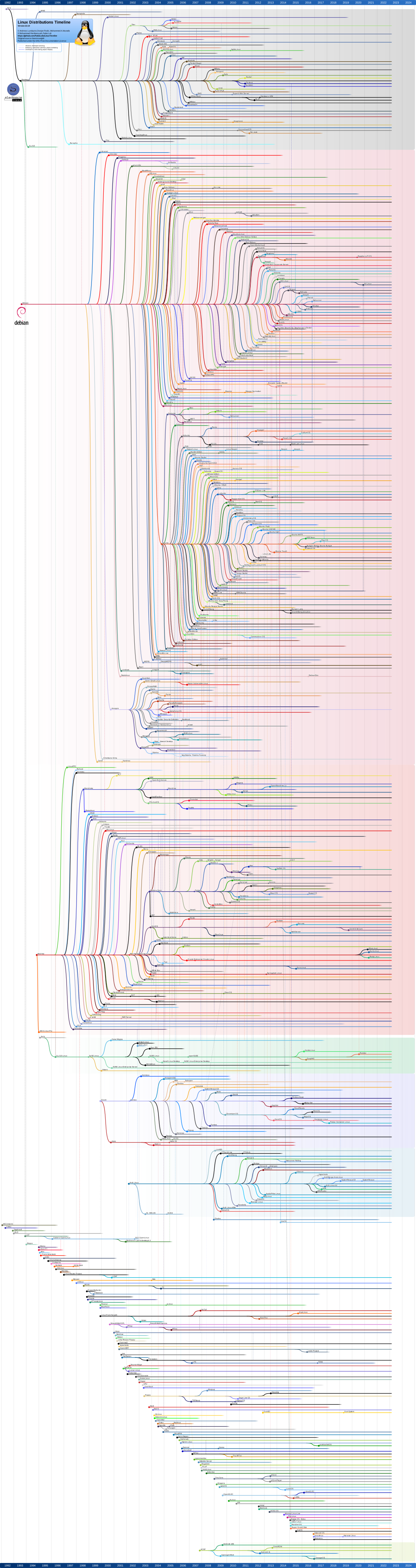
apt.rpm.yum.For the full list see: List of Linux distributions. Note that the Wiki Entry divides the distributions by Package Management. Also note, that according to the timeline photo that Gentoo is a parent distribution. Enoch was the initial name.
Historically speaking most of the BSD Operating Systems, have had no concept of Package Management until recently, and it could use some work. I put FreeBSD on an extra hard drive I had to see how closely it and Gentoo are related, and just finished compiling my DE port and a browser.
sys-apps/portage. The emerge command follows the same order as FreeBSD when installing software: configure, make, install - when installing source directly from the Ports Tree.The major difference here is that the process in FreeBSD requires a user to install their chosen package manager, not one chosen by FreeBSD, and then that package manager keeps track of all installed software, and it's dependencies.
I say all this to show that if the package manager breaks while maintaining the system, the issue is either with the package being compiled or the underlying system. To illustrate see: FreeBSD Bug 218620 - x11-wm/muffin ver. 2.4.4 no longer builds. Notice Comment 1 prevented my chosen package manager from completing the install of the Cinnamon Desktop, not because the Package Manager that I use broke, or took too long, or was slow, but because the package being compiled is broken, and for that matter, no longer supported. In the same way, the OP's emerge command is not completing due to a breakage in the package being compiled. Instead of running the command:
emerge -avuDN --with-bdeps y --keep-going @world
blindly because it was found on some website, the OP should either add t for treeview, and remove --keep-going. At that point, study and fix the breakage in the offending package, and re-run the command. All packages up to the breakage will no longer appear in the output, because they were already recompiled under the new settings. This procedure should be used regardless of the tool you use to display the output. Eix vs emerge is moot, when the breakage is due to a compilation error.
The offending package information the OP needs to study will be located at /var/tmp/portage/package-cat/offending-package/temp/build.log

Imho the easiest way to print a list of all upgradeable packages in gentoo:
emerge --sync
emerge -puDv @world
The options do the following:
-p pretend: emerge does not actually install anything, it just prints a list of packages it would install without the -p flag. This even works without root privileges.-u upgrade: only show upgradeable packages.-D deep: also check for upgrades of dependencies (packages that are not in your @world file directly but required for one of your installed packages to run).-v verbose: more verbose output also shows the use flags and the currently installed version.If you are certain that your portage tree is already up do date, you can skip the emerge --sync part.