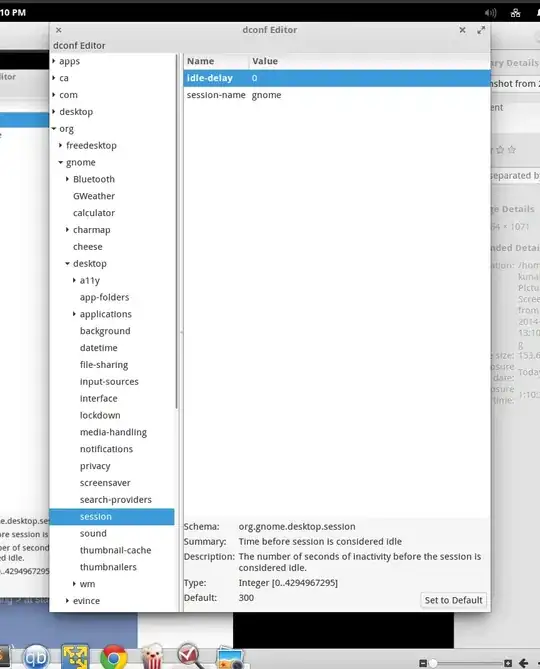
I've noticed this when trying to watch movies on that laptop running eOS. After 10 minutes or so the display is turned down.
I've looked for settings against this and found the following:
Power setting: put the computer to sleep: I set that to 'Never'. But it couldn't be this setting, my problem being that the display is shut, not that the computer is put to sleep.
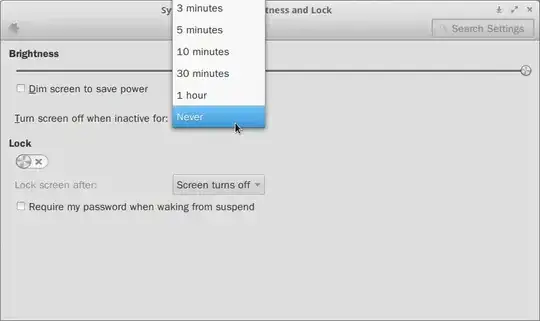
Brightness and lock: Brightness: Turn screen off when inactive for: set that to 'Never'. That should be it but it does not work.
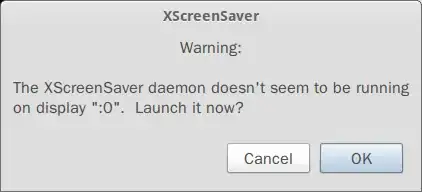
Because I'd experienced a similar issue with GUI settings for display not being followed in another Ubuntu based distro - Xfce - reported here - I imagined also that a screensaver setting was the matter. I've found a situation similar to that and tried that solution. Only that, unlike in Xfce, now a gnome-screensaver was installed but without accessible GUI settings for it. So, it looked like a certain blank-screen screensaver was active in the background. To get a GUI for screensaver I installed xscreensaver. When starting that I was prompted that gnome-screensaver was already running and asked to shut it down. Said yes and then disabled screensaver in Xscreensaver.
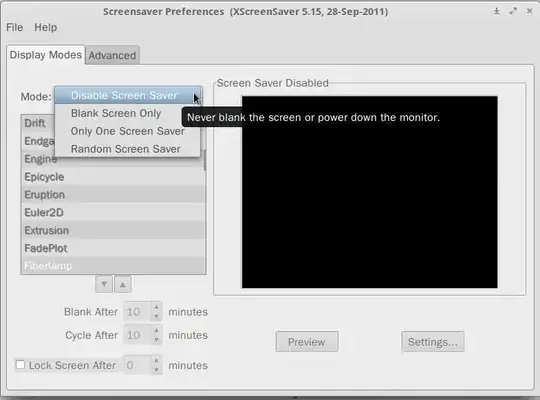
Afterwards I also uninstalled gnome-screensaver, but the same problem would still reappear.