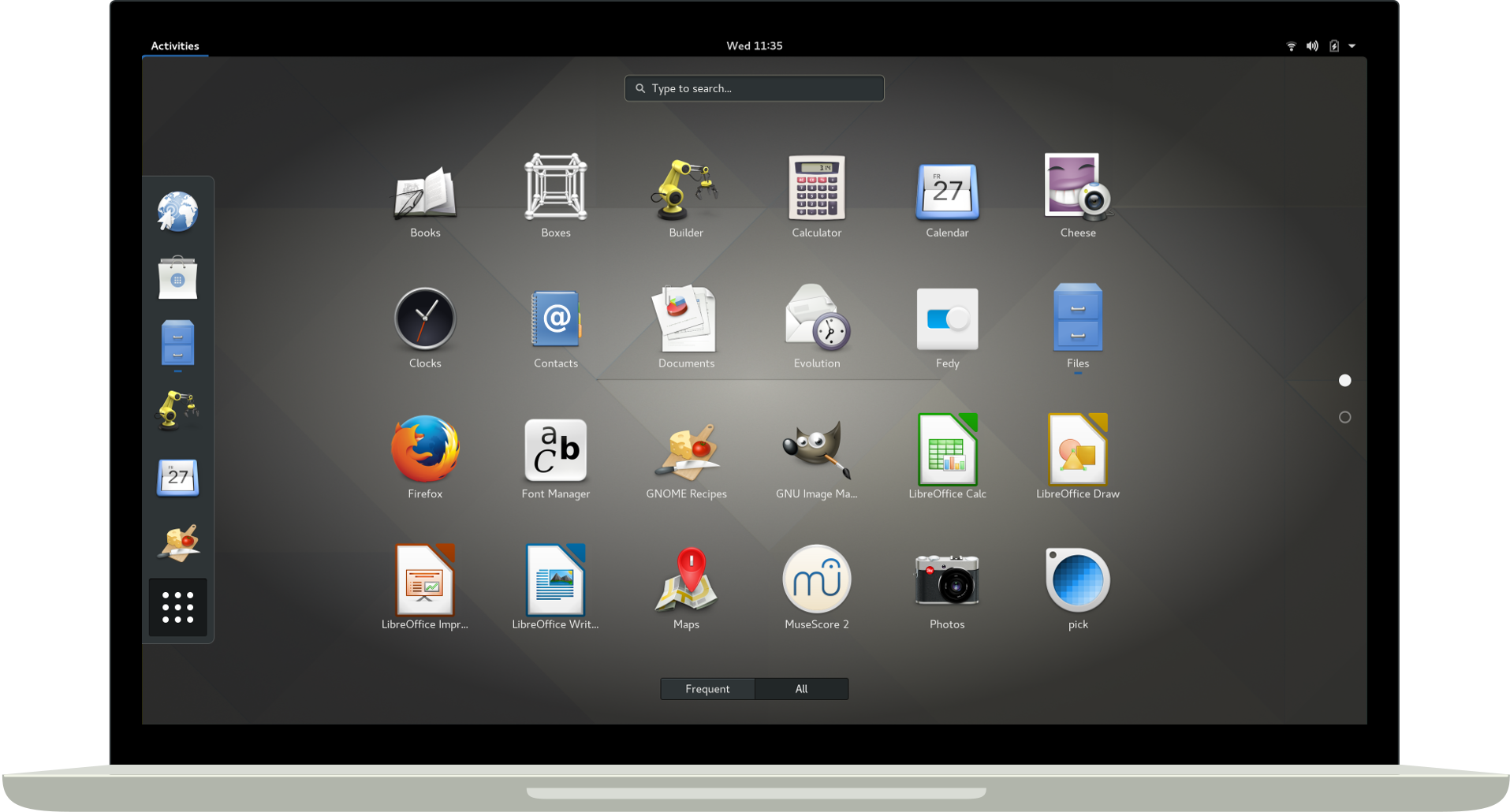
I am attempting to set up an AWS EC2 Debian 9 instance using this image. I have the image up and running and can connect via VNC using 'tightvncserver'. My problem is exactly the same as described in this Ubuntu Stack Exchange question. I can not seem to get Gnome desktop to display 'nicely' as it does on the gnome website.
Just like the Ubuntu question, when I load up the VNC connection I am faced with a grey background, a simple menu bar and originally no terminal option until I created a menu item for it following this question.
My /home/username/.vnc/xstartup is as follows:
#!/bin/sh

unset SESSION_MANAGER
unset DBUS_SESSION_BUS_ADDRESS
startxfce4 &

[ -x /etc/vnc/xstartup ] && exec /etc/vnc/xstartup
[ -r $HOME/.Xresources ] && xrdb $HOME/.Xresources
vncconfig -iconic &

xrdb $HOME/.Xresources
xsetroot -solid grey
#x-terminal-emulator -geometry 80x24+10+10 -ls -title "$VNCDESKTOP Desktop" &
#x-window-manager &
# Fix to make GNOME work
export XKL_XMODMAP_DISABLE=1
/etc/X11/Xsession
gnome-panel &
gnome-settings-daemon &
metacity &
nautilus &
The question on Ubuntu Stack Exchange is very similar to mine; How do I correctly configure Gnome with VNC to display the nice Gnome desktop as per the Gnome site?
Note: I do not wish to use an application such as TeamViewer, however other terminal-only options are welcome as I need to be able to use a terminal on one machine to open the GUI of the EC2 instance, without installing software.