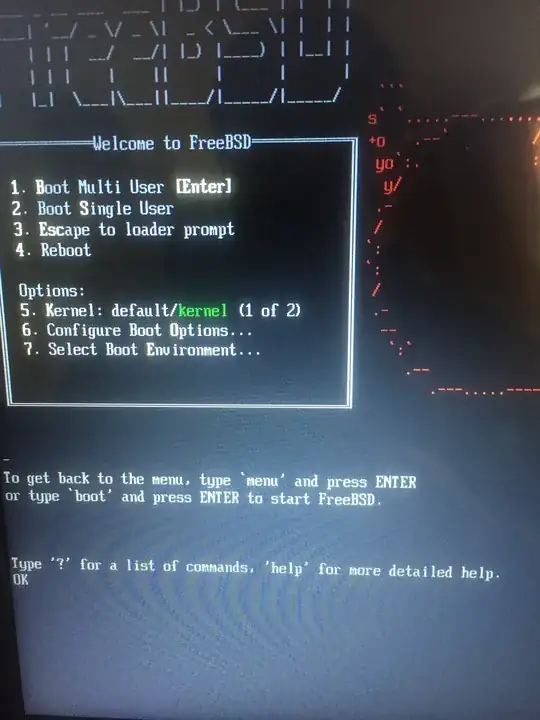
To get the EFI text modes supported upon booting up FreeBSD, in the "Welcome screen", choose "3. Escape to loader prompt". (see image below)
When greeted by the "OK" prompt, write "mode" and press ENTER.
In the case of my Lenovo, the output is:
Current mode: 0
Mode 0: 80 columns, 25 rows
Mode 2: 170 columns, 40 rows
Mode 3: 80 columns, 25 rows
Mode 4: 100 columns, 25 rows
Mode 5: 128 columns, 40 rows
Select a mode with the command "mode <number>"
OK
Writing for instance, "menu 4", and then "menu", will make you return to the main boot menu with 170x40 rows, and boot in that EFI text mode this time.
If you would like to make the change permanent, edit /boot/loader.rc.local:
mode 2