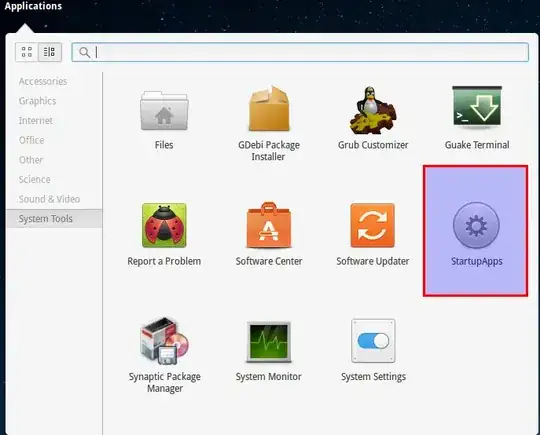
The application to start is called gnome-session-properties (part of gnome-session-bin). There the list can be edited.
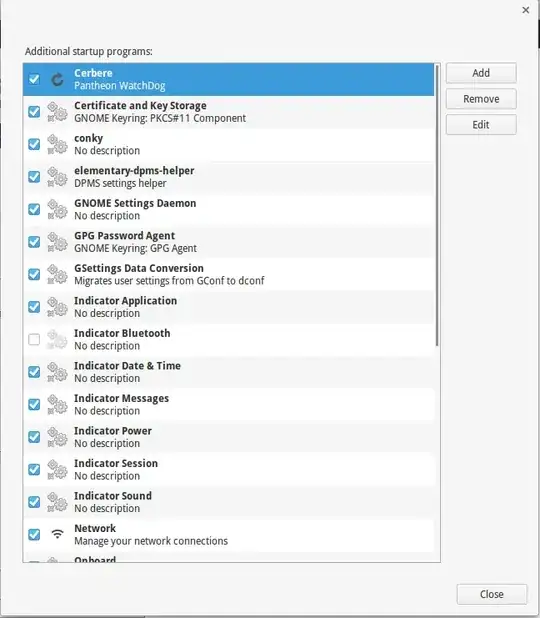
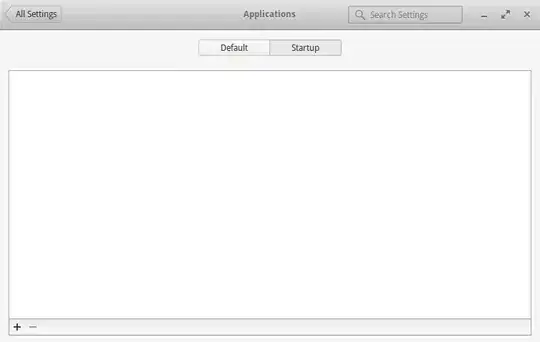
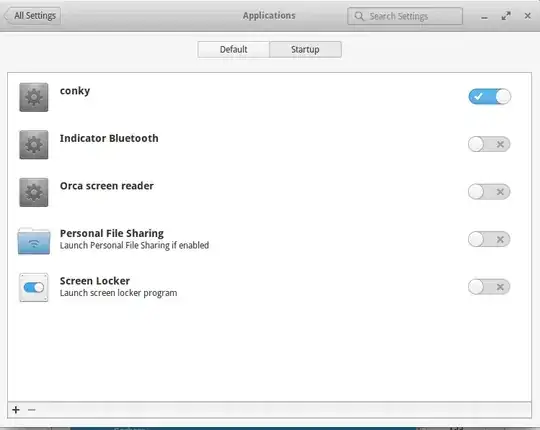
Any changes there will then appear in the other list accessible from Settings>Applications>Startup; thus, the latter is limited only to reverting to defaults.
In order to access that in the Panel Launcher (Applications), I have created a .desktop file inspired by the other such files that can be found in usr/share/applications with this content:
[Desktop Entry]
Type=Application
Name=StartupApps
Comment=View apps starting with the system
GenericName=StartupApps
Icon=preferences-system
Terminal=false
Categories=Gnome;Gtk;System;
Exec=gnome-session-properties
So that it now can be found when searched or under Applications>System Tools