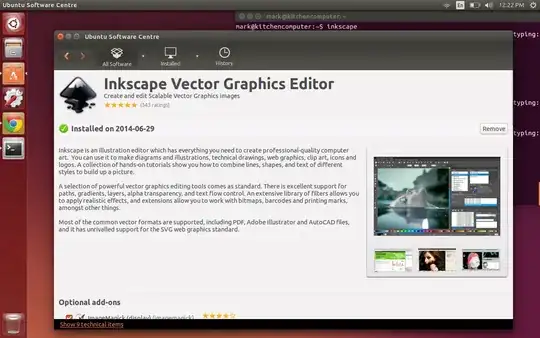
I just installed 14.04 on my laptop. The first thing I did was to install inkscape by using the instructions on this website.
However, after installation, it does not appear if I search for it in the Unity dash. If I try running it from the command line, it says that it is not installed. But if I try to to install again, it says that the newest version is already installed. Additionally, Ubuntu Software Center says that it is installed.
See the terminal output below. What should I do?
    mark@kitchencomputer:~$ inkscape
    The program 'inkscape' is currently not installed. You can install it by typing:
    sudo apt-get install inkscape
    mark@kitchencomputer:~$ sudo apt-get install inkscape
    Reading package lists... Done
    Building dependency tree
    Reading state information... Done
    inkscape is already the newest version.
    0 upgraded, 0 newly installed, 0 to remove and 9 not upgraded.