8

Recently I have installed Elementary OS luna, which is based on Ubuntu. I want to customize the wingpanel to display the menu toolbar of the selected application.

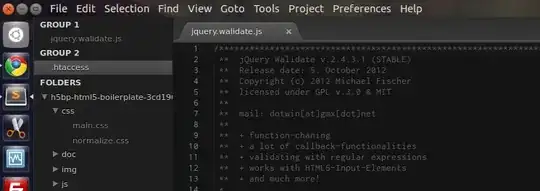
This is my wingpanel: what I got
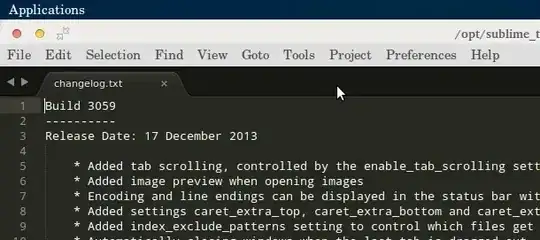
But I need it to look like this: what I Want

The File, Edit, Selection and other menus, and the Close, maximize and minimize icons are on the wingpanel.

Rui F Ribeiro
  • 55,929
  • 26
  • 146
  • 227
Chlebta
  • 181
  • 1
  • 1
  • 3

2 Answers2

0

Install Mate Panel on Elementary OS. Here precise tutorial how do it.

Anton Dozortsev
  • 224
  • 1
  • 5
  • 14
0

To achieve global menus you can also use Super Wingpanel with Elementary Tweaks. And to get that first you'll need Elementary Tweaks. Open up the terminal and enter: sudo apt-add-repository ppa:versable/elementary-update, sudo apt-get update, and finally sudo apt-get install elementary-tweaks. Now goto Applications > System Settings > Tweaks and you'll see some new settings. Here you can add things such as the minimise button, change themes, etc. Once you've finished tinkering, type in the terminal sudo apt-get install super-wingpanel. Once you're done that, head over to Applications > System Settings > Tweaks > Super Wingpanel. If something doesn't work, just log out > log back in.

Rui F Ribeiro
  • 55,929
  • 26
  • 146
  • 227
Lachlan Shoesmith
  • 173
  • 1
  • 2
  • 12